


 It is time for you to begin promoting the Call for Abstracts for the AVS 72 International Symposium and Exhibition (AVS 72) this November 8-13, 2026, in Pittsburgh, Pennsylvania. The Call for Abstracts is now available online at https://avs72.avs.org/. Submit your Abstract through May 18, 2026. Note: Late News abstract submission opens August 3, 2026, and the deadline will be September 14, 2026.
You are requested to utilize the promotional tips and tools provided below early and often to promote to colleagues outside of the AVS, especially those in the local area. Please note that AVS already heavily promotes to our list of members/divisions/technical groups and past symposia and topical conference attendees (30,000+)—we are trying to reach new attendees who may not be on our existing promotional lists; we cannot do this without your assistance!
Thank you for collaborating with AVS to spread the word—let’s make this a great meeting!
Della Miller
AVS Director of Events & Marketing Communications
Phone: 530-896-0477 | E-mail: della@avs.org
Way to Improve the
Promotion Process
- Appoint a Promotions Chair to manage this process.
- Ask each Program Committee Member to include the names of at least 10+ people who could be contacted on the shared Google sheet. Then have them reach out to their contacts directly to solicit submissions. Don’t wait for late breaking! Push for more abstracts during initial programming!
- If possible, Chairs should track responses. Note: Yvonne will be sending weekly updates on submission numbers.
How to Update the Custom Banner Templates:
- Download the AVS 72 Custom Banner PowerPoint Template. Slide 4 has customization instructions.
- Slide 5 provides the branded color palate for AVS 72. Note: We ask that you don’t deviate from these colors.
- Slides 9-11 have custom banner templates for you to modify.
How to Export Your Custom Banner(s):
- Note what slide number(s) you would like to export.
- Click on File in the main menu tab at the top.
- Click Save As in the drop-down list and then select jpg or png as the Save Option. Once you hit Save there will be a popup that asks what slide you would like to export.
Where to Use Your Custom Banner(s) to Promote:
- Use your custom banner(s) to promote on social media, e-mail, or in other presentations. See Slides 6-7 for Social Media instructions and Slide 8 for Print, E-mail, and Other Media suggestions. You may also scroll below for other suggestions.
– Items to Highlight in Your Banner(s) –
Customize the banner to promote the action you would like them to take. If it is Call for Abstracts season link to Submit Abstracts and include the deadline. If it is Technical Program season let them know to View Program or Register. Regardless of the season highlight what is important for your topic. There is also an e-mail template to customize.
- Provide invited speakers with a banner that says, “Don’t Miss My Invited Talk“.
- Ask each Program Committee Member to promote “I Have Submitted My Abstract”.
Benefits of Attending
Inform potential attendees about the benefits of attending:
Special Sessions & Invited Speakers
Highlight your special sessions, invited speakers, and even your committee members to potential attendees. Remind them about the friendly and multidisciplinary nature of AVS. Use photos.
Awards & Travel Grants
Remind potential attendees about awards opportunities for your specific division/group/focus topic as well as the AVS Professional and Student Awards.
Exhibit & Special Events
Don’t forget to mention the equipment exhibit as well as all the other special events and networking opportunities during AVS 71.
– Promote on Social Media –
Social media is a quick and easy way to frequently highlight program content weekly to a mass audience and it allows others to share easily
Step 1: Follow AVS
- Follow AVS on your favorite social media sites. Scan the QR codes on slide 7 to follow us.
Step 2: Like and Reshare
- Like and reshare AVS on your favorite social media sites. It is important to reshare and put your own comments.
Step 3: Create & Share a Custom Social Media Post
- Create a custom banner following the instructions on slide 4. You can also use the provided 1200 x 675 banner (slides 12-14) for these posts.
- Create your post. Refer to slide 6 or https://avs72.avs.org/promotion/ for ideas. Be sure to use #AVS72 and tag AVS on the appropriate AVS Social Media site(s) on Slide 7 (especially Linked in). Link the post to www.avs72.avs.org or your specific topic page.
Example Post:
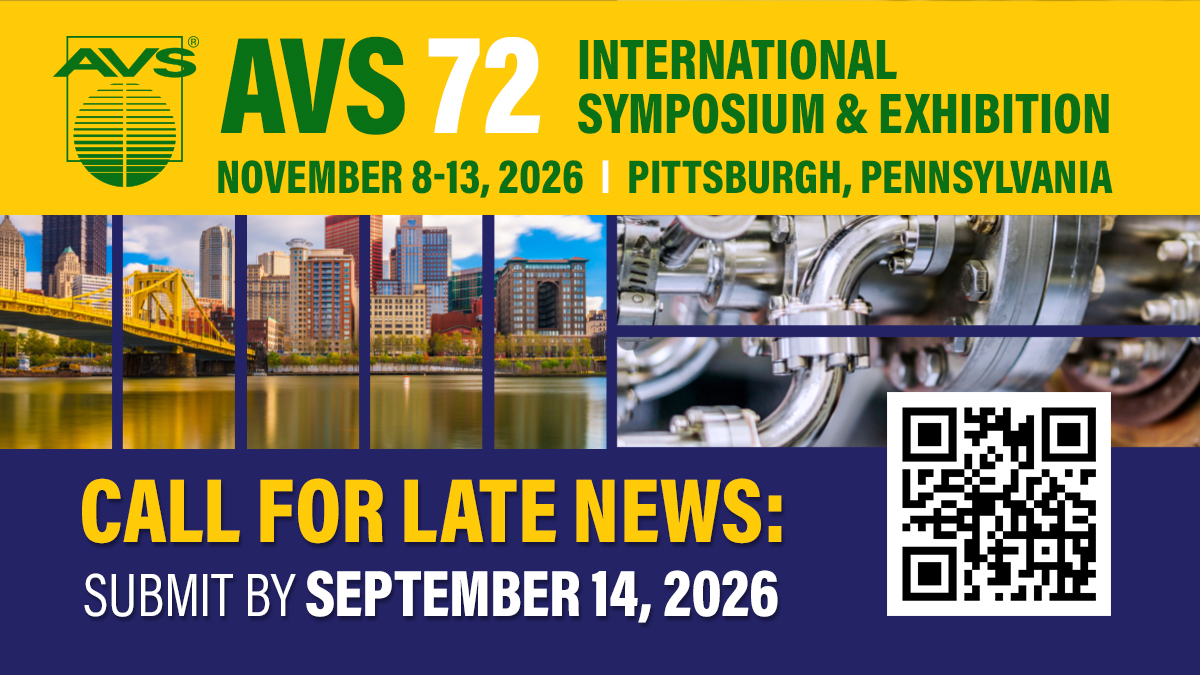
Insert your Custom Banner or the 1200 x 675 provided banners at AVS 72 Banner Ad Call 1200 x 675 (jpg) into your social media post
Submit your #AVS72 #2DMaterials Abstracts by May 18. Della Miller, AVS will be one of the many invited speakers presenting work in the 2D Materials sessions this Nov. 8-13, 2026, in Pittsburgh, PA @AVS_Members https://avs72.avs.org/group-2d/
Banner Ad Downloads
Note: These download to your download folder. If you need you banners updated, please e-mail della@avs.org.
- AVS 72 Banner Ad 300 x 250 (jpg)
- AVS 72 Banner Ad Late News Call 350 x350 (jpg)
- AVS 72 Banner Ad 400 x 400 (jpg)
- AVS 72 Banner Ad 600 x 90 (png)
- AVS 72 Banner Ad 1200 x 675 (jpg)
- AVS 72 Banner Ad Late News Call 1200 x 675 (jpg)
- AVS 72 Banner Ad Call 1200 x 675 (jpg)
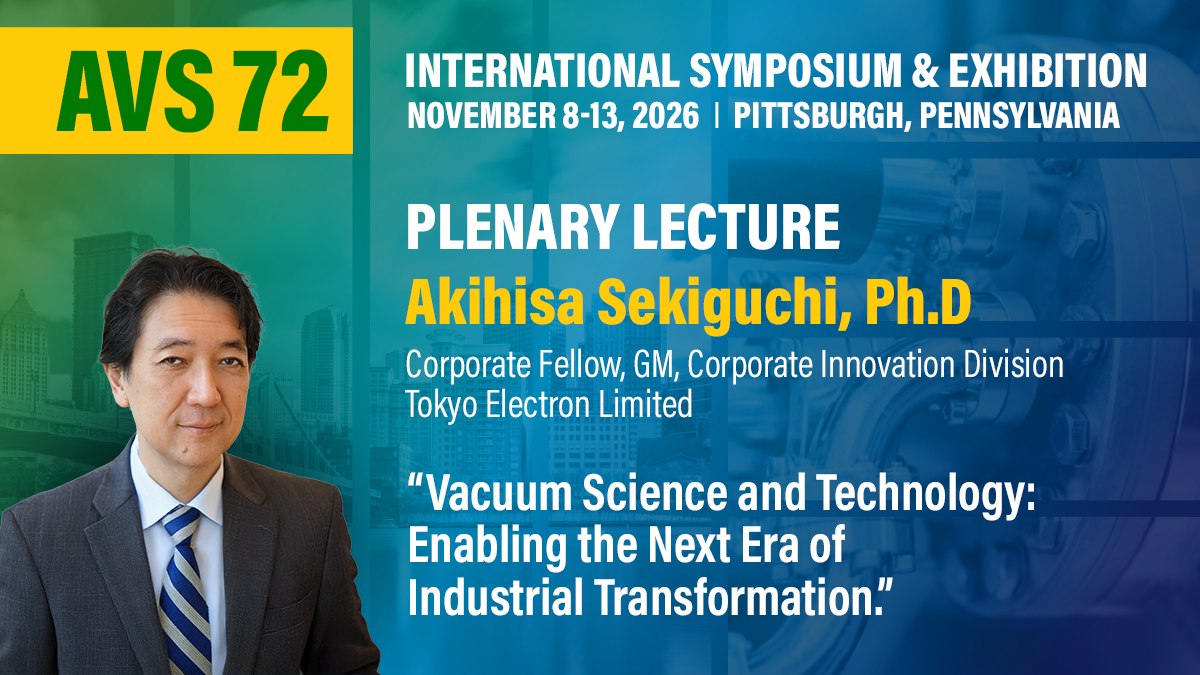
- AVS 72 Banner Ad Plenary 1200 x 675 (jpg)
- AVS 72 PPT Banner Ad 1920 x 190 (jpg)
- AVS 72 Print Banner (jpg)
– Promote by E-mail, Print, or Other Media –
If everyone could convince five+ people to submit or attend that would double the numbers!
#1: Each Program Committee Member is requested to add 10+ contacts (watch for duplicates) to your topics Google Contact Sheet and then reach out to solicit abstract submissions/promote the technical program, registration, etc.
Note: AVS already heavily promotes to our list of members/divisions/technical groups and past symposia and topical conference attendees (30,000+)—we are trying to reach new attendees who may not be on our existing promotional lists; we cannot do this without your assistance! Please promote directly to your colleagues and respective communities with personalized messaging!
- Send Customized E-mails: Create your customized banner(s) using slides 9-11 highlighting speakers, deadlines, abstract submission, technical program, registration, awards, travel grants, exhibits, sponsors, etc. There is also an e-mail template to get you started.
- Add a Slide to Your Upcoming Presentations: Add your custom banner to any presentation you are giving.
- Add a Banner to Your E-mail Signature: Link your custom banner to your topic page or www.avs72.avs.org.
- Forward the AVS Call for Abstracts E-mails: Forward the official AVS 72 Call for Abstracts e-mail (https://conta.cc/46Pq7Cz) (or any other AVS 72 e-mail you receive) to your colleagues (Note: Before forwarding, delete the Unsubscribe/ Update Profile options from the bottom of the e-mail).
- Distribute Flyers: Use the AVS Flyer to post at your office or e-mail or create your own using the templates.
Other Downloads
Note: These download to your download folder
– Topic List Links –
- 2D Materials (2D)
- Actinides and Rare Earths (AC)
- Advanced Microelectronic Materials (AM)
- Advanced Packaging (AK)
- Advanced Surface Engineering (SE)
- Advances in Battery Engineering, Interface Design, and Characterization (BT)
- Advances in EUV Lithography (EUV)
- AI/ML/Autonomous Experimentation for Thin Films Processing (AIML)
- Applied Surface Science (AS)
- Atomic Scale Processing (AP)
- AVS Quantum Science Workshop (AQS)
- Biomaterial Interfaces (BI)
- Biomaterials Plenary (BP)
- Chemical Analysis and Imaging of Interfaces (CA)
- Electronic Materials and Photonics (EM)
- From Ionic Crystals to Ionic Conductivity: An Iconic Celebration of Gary W. Rubloff’s 50+ Years in Science (GWR)
- Light Source Enabled Science (LS)
- Magnetic Interfaces and Nanostructures (MI)
- Manufacturing Science & Technology (MS)
- Materials and Innovations for Fusion Energy (FUS)
- Multifunctional and Hybrid Microsystems (MC)
- Nanoscale Science & Technology (NS)
- Nanoscale Science and Technology Plenary (NSP_
- Plasma Science and Technology (PS)
- Quantum Science and Technology (QS)
- Spectroscopic Ellipsometry (EL)
- Surface Science (SS)
- The Future of Temperature Sensing
- Thin Films (TF)
- Undergraduate Posters (UN)
- Vacuum Technology (VT)